
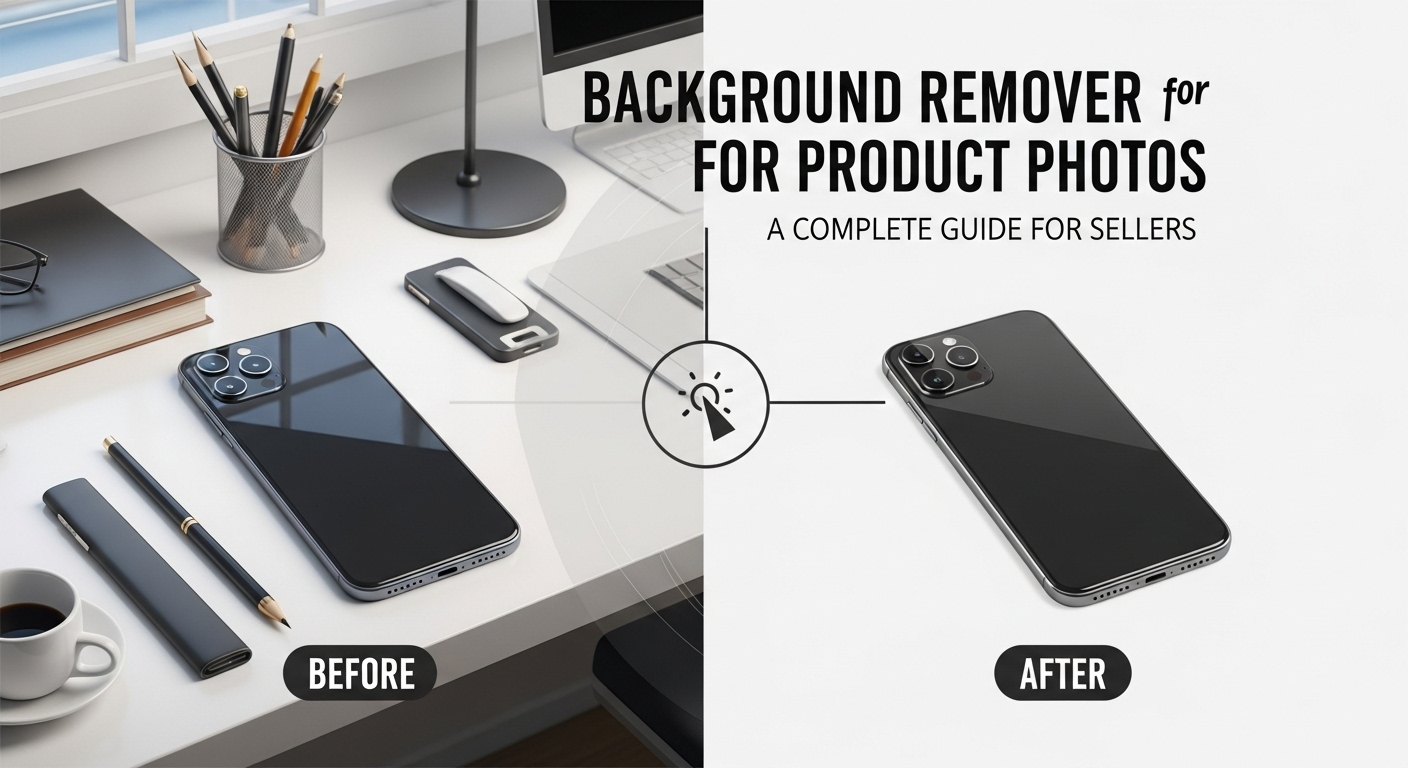
Background Remover for Product Photos – A Complete Guide for Sellers
Background Remover for Product Photos: High-quality product photos play a critical role in online sales. One of the easiest ways to improve product images is by removing distracting backgrounds. A background remover helps present products cleanly and professionally, increasing trust and conversions.
Why Product Photos Need Clean Backgrounds
Product images with cluttered or inconsistent backgrounds can:
-
Distract buyers
-
Reduce perceived quality
-
Lower conversion rates
Clean backgrounds keep the focus on the product.
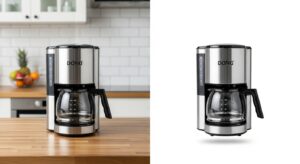
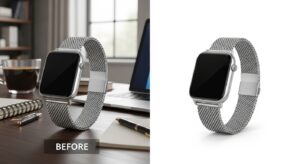
Best Background Removal Methods for Product Photos
AI tools automatically detect products and remove backgrounds accurately.
Step-by-step guide:
-
Upload your product image
-
Let AI detect the product
-
Review the cutout
-
Download with transparent or white background
Best for: Bulk product images and beginners
Manual Editing Tools
Manual tools allow fine control for complex products like glass or jewelry.
Steps:
-
Select the product edges
-
Refine the selection
-
Remove the background
-
Export in PNG format


Ideal Backgrounds for Product Images
-
White background (eCommerce standard)
-
Transparent background
-
Light neutral colors
-
Soft shadows for realism
Practical Tips for Better Product Images
-
Use even lighting
-
Avoid reflections
-
Shoot products against solid colors
-
Keep image resolution high
Final Thoughts
Using a background remover for product photos is essential for modern online selling. Clean images improve professionalism, trust, and sales performance.
For More: AI Background Removal Explained
1 thought on “Background Remover for Product Photos”