
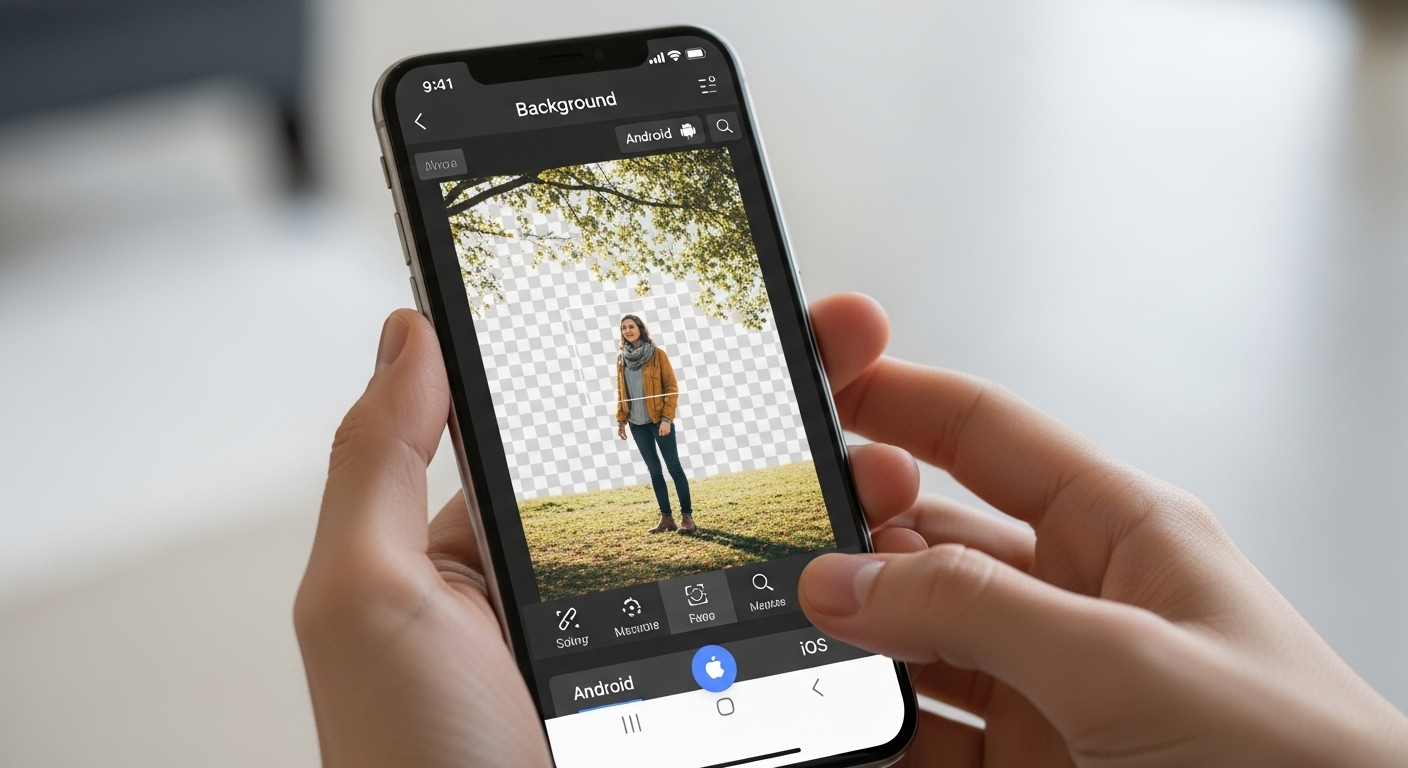
How to Remove Background from Images on Mobile (Android & iOS)
Remove Background from Images on Mobile: Mobile background removal has become incredibly easy thanks to AI-powered apps. You no longer need a computer to create professional images.
Why Use Mobile Background Removal Apps
Mobile apps are ideal for:
-
Quick edits
-
Social media content
-
On-the-go sellers
-
Content creators

Best Ways to Remove Background on Mobile
AI Background Removal Apps
These apps automatically detect subjects.
Step-by-step guide:
-
Install a background remover app
-
Upload or take a photo
-
Wait for AI processing
-
Save the transparent image
Manual Editing Apps
Some apps allow brush-based refinement for detailed edges.
Best for: Hair, shadows, and complex outlines

Supported Image Formats on Mobile
-
JPG (most common)
-
PNG (transparent background)
-
WebP (optimized quality)
Practical Tips for Better Mobile Results
-
Use good lighting
-
Avoid blurry photos
-
Keep subject centered
-
Use solid backgrounds when shooting
| Feature | Mobile | Desktop |
|---|---|---|
| Speed | Fast | Moderate |
| Precision | Medium | High |
| Convenience | Very high | Medium |
Final Thoughts
Mobile background removal tools make image editing accessible to everyone. Whether you’re a seller, influencer, or casual user, mobile apps provide fast and effective background removal anytime, anywhere.
For More: How Background Removal Improves eCommerce Sales
3 thoughts on “Remove Background from Images on Mobile”