
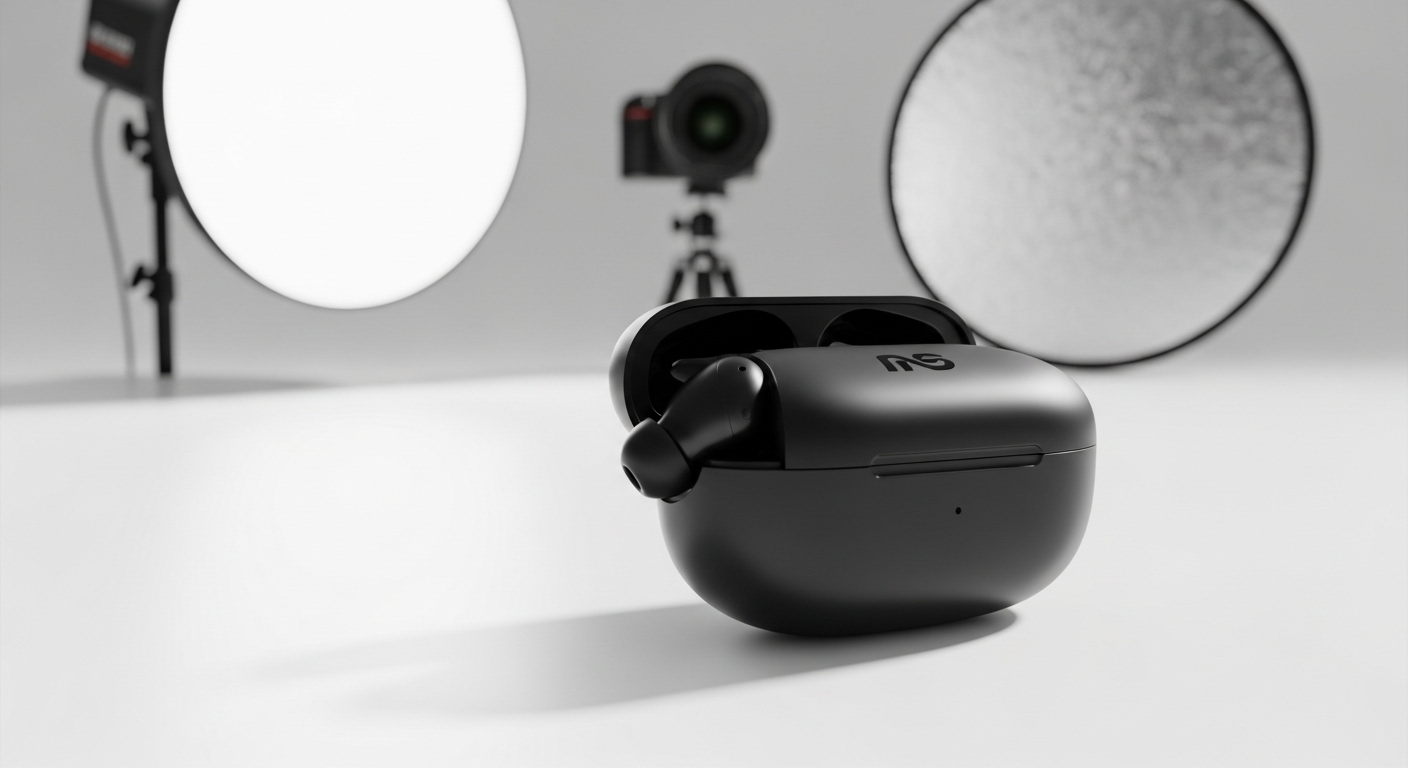
How to Create Professional Product Images That Convert
How to Create Professional Product Images: Professional product images increase trust, engagement, and sales. This guide covers everything from photography to background removal and optimization.
Why Professional Product Images Matter
High-quality images:
-
Build credibility
-
Reduce returns
-
Improve conversion rates

Step-by-Step Guide to Creating Professional Product Images
Step 1 – Prepare the Product
-
Clean the product
-
Remove labels and dust
-
Inspect for defects
Step 2 – Capture High-Quality Photos
-
Use good lighting
-
Shoot from multiple angles
-
Use a neutral background
Step 3 – Remove the Background
-
Upload image to a background remover
-
Remove background
-
Replace with white or transparent background
Step 4 – Optimize the Image
-
Adjust brightness and contrast
-
Crop consistently
-
Resize for web use
Best Background Styles for Product Images
-
Pure white
-
Soft shadows
-
Light gradients
Practical Tips for Consistency
-
Use the same lighting setup
-
Keep angles consistent
-
Standardize image dimensions
Final Thoughts
Creating professional product images doesn’t require expensive equipment or software. With proper preparation, background removal, and optimization, anyone can achieve studio-quality results.
For More: Remove Background from Images on Mobile