
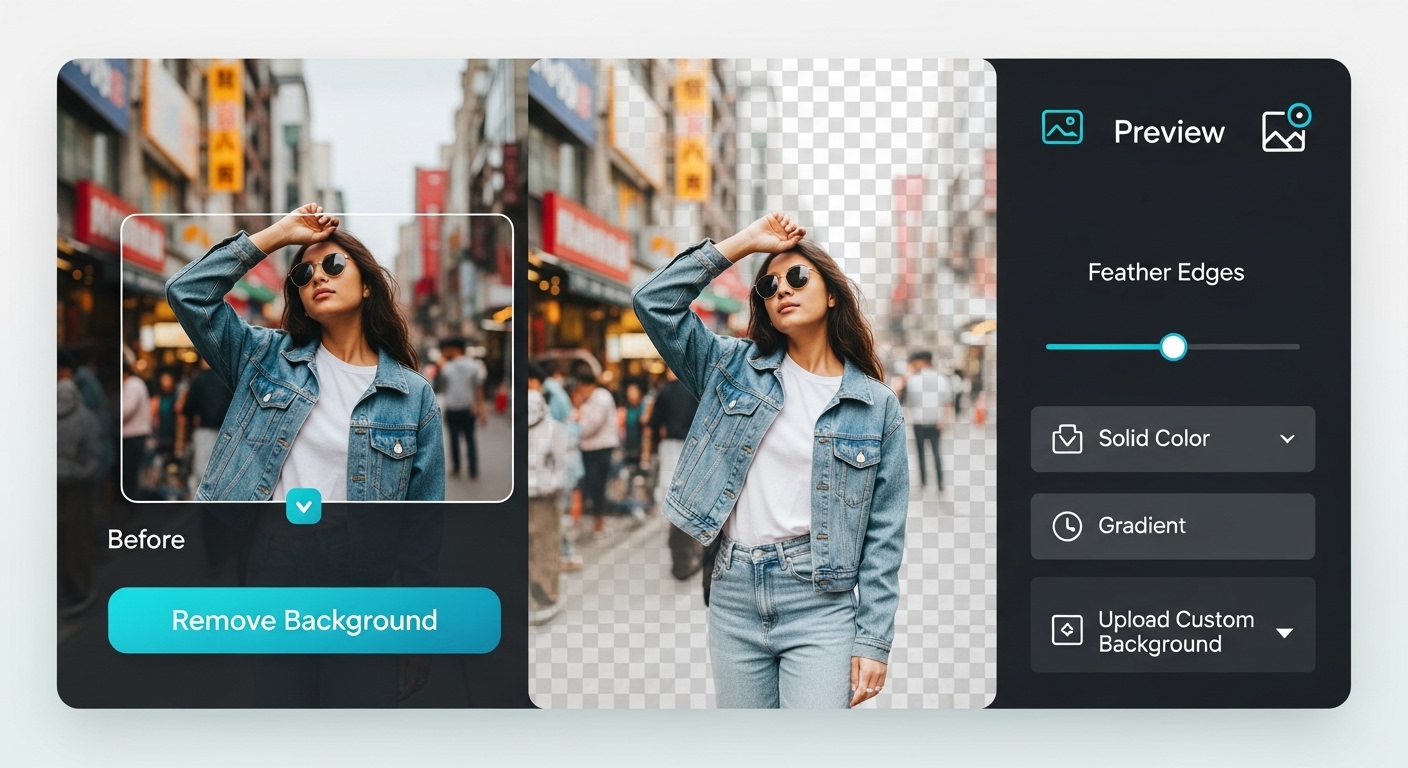
Background Remover for Social Media Images (Complete Guide)
Background Remover for Social Media Images: Social media platforms thrive on visuals. Background removal helps create eye-catching images that stand out in crowded feeds.
Why Background Removal Matters on Social Media
Clean backgrounds:
-
Improve focus on subjects
-
Increase engagement
-
Enhance branding consistency

Best Use Cases for Social Media Background Removal
-
Profile photos
-
Promotional posts
-
Thumbnails
-
Stories and reels
Step-by-Step: Removing Backgrounds for Social Media
-
Choose a high-quality photo
-
Upload it to a background remover
-
Remove background automatically
-
Add custom or transparent background
-
Export in platform-friendly size

Ideal Background Styles for Social Media
-
Solid brand colors
-
Minimal gradients
-
Transparent backgrounds for overlays
Platform-Specific Tips
-
Use square or vertical images
-
Keep subjects centered
-
Optimize for mobile viewing
YouTube Thumbnails
-
High contrast backgrounds
-
Clear subject focus
Practical Tips
-
Avoid clutter
-
Use consistent colors
-
Test images before posting
Conclusion
Using a background remover for social media improves visual impact, engagement, and brand consistency across platforms.
For More: Common Background Removal Mistakes
2 thoughts on “Background Remover for Social Media Images”