
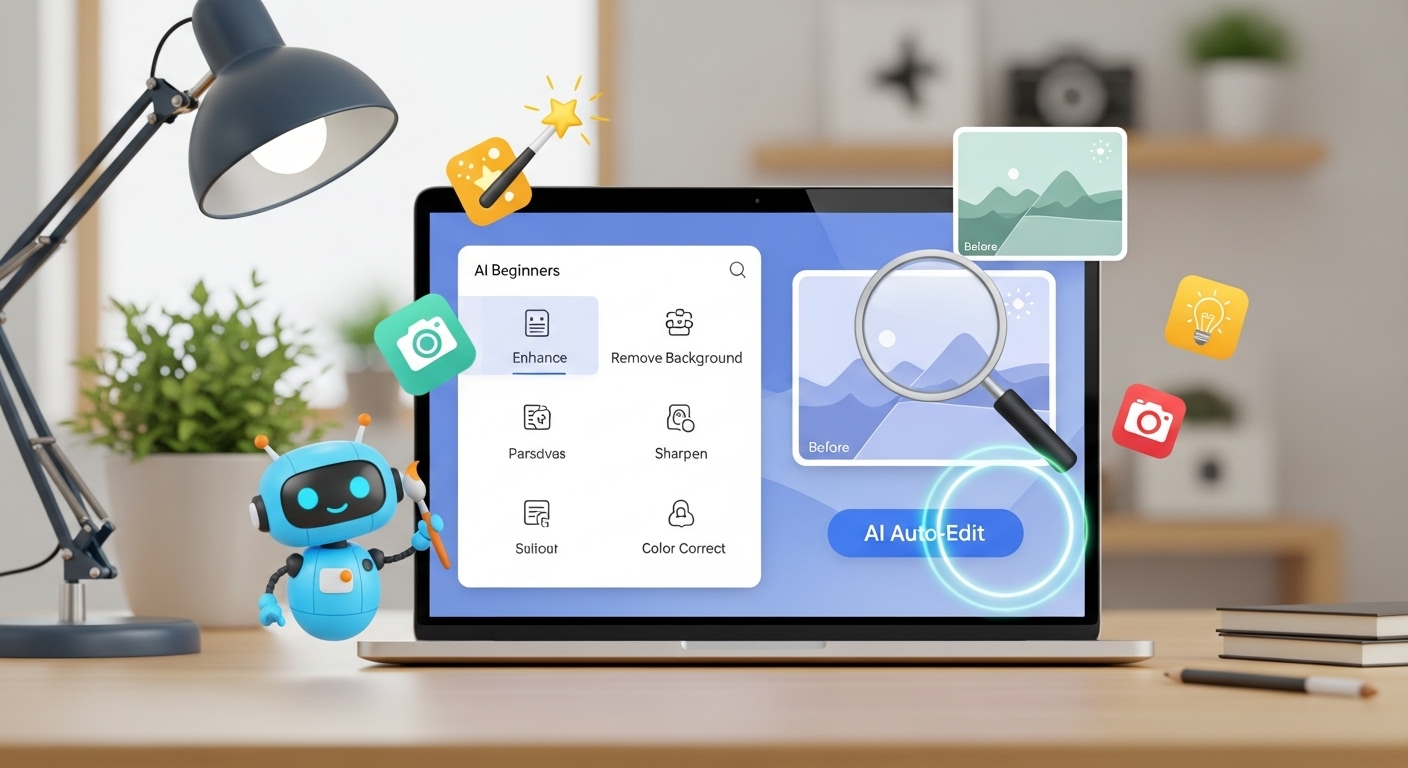
AI Image Editing Tools for Beginners (Easy Start Guide)
AI Image Editing Tools for Beginners: AI image editing tools make professional editing accessible to beginners. No design skills are required to remove backgrounds, enhance images, or create polished visuals.
What Are AI Image Editing Tools?
AI image editing tools use machine learning to:
-
Remove backgrounds
-
Detect objects
-
Enhance images automatically

Why Beginners Should Use AI Tools
-
Easy to use
-
Time-saving
-
No learning curve
-
Affordable or free options
Step-by-Step: Getting Started with AI Image Editing
Step 1 – Choose the Right Tool
Look for:
-
Simple interface
-
Free plan
-
Privacy protection
Step 2 – Upload Your Image
Supported formats usually include JPG and PNG.
Step 3 – Apply AI Features
-
Background removal
-
Auto-enhancement
-
Object detection
Step 4 – Export the Final Image
Choose PNG or WebP for best results.
Common Beginner Mistakes
-
Over-editing images
-
Using low-resolution photos
-
Ignoring export settings
Practical Tips
-
Start with high-quality images
-
Keep edits minimal
-
Always preview results
Conclusion
AI image editing tools empower beginners to create professional visuals easily. With minimal effort, anyone can achieve high-quality image edits using AI.
For More: How to Remove Background from PNG Images