
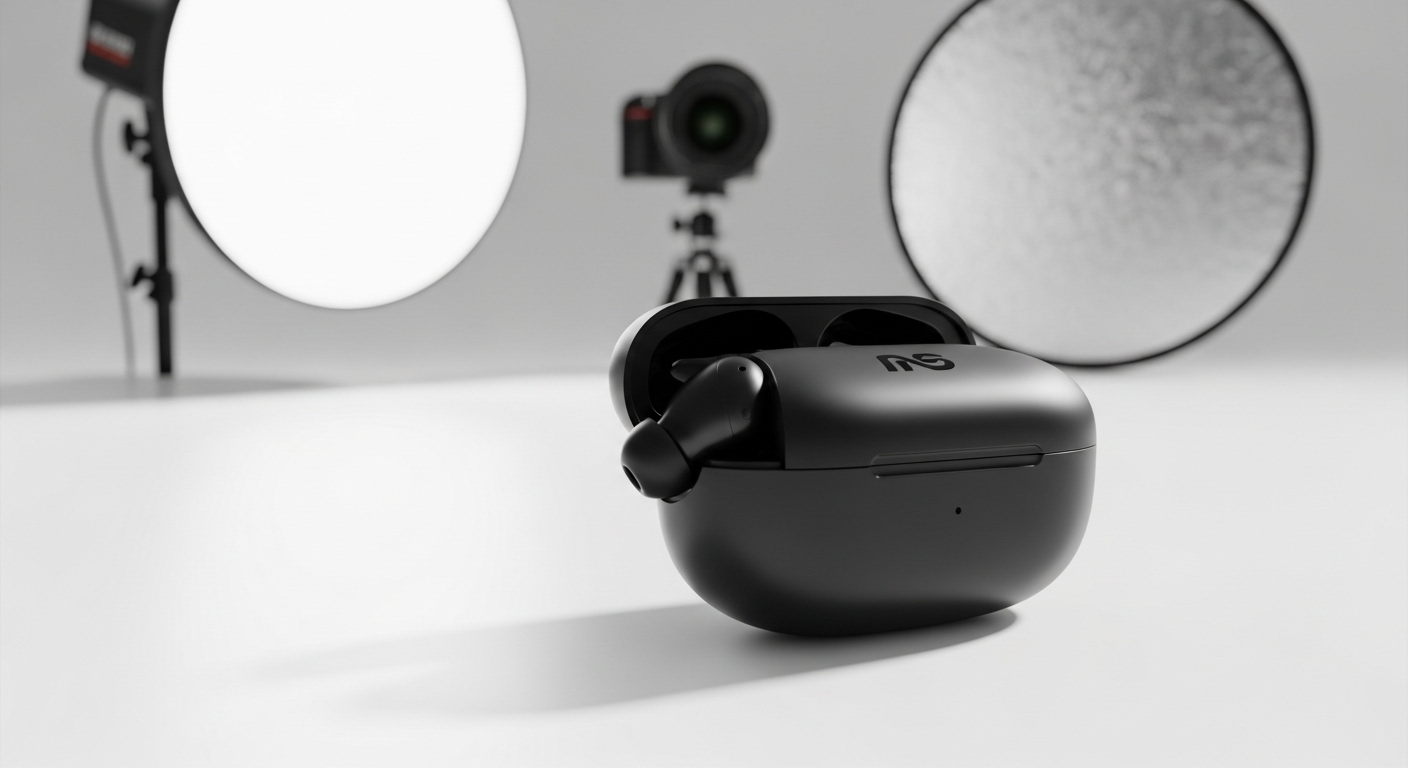
How to Create Professional Product Images That Convert
Professional product images increase trust, engagement, and sales. This guide covers everything from photography to background removal and optimization.
Why Professional Product Images Matter
High-quality images:
-
Build credibility
-
Reduce returns
-
Improve conversion rates

Step-by-Step Guide to Creating Professional Product Images
Step 1 – Prepare the Product
-
Clean the product
-
Remove labels and dust
-
Inspect for defects
Step 2 – Capture High-Quality Photos
-
Use good lighting
-
Shoot from multiple angles
-
Use a neutral background
Step 3 – Remove the Background
-
Upload image to a background remover
-
Remove background
-
Replace with white or transparent background
Step 4 – Optimize the Image
-
Adjust brightness and contrast
-
Crop consistently
-
Resize for web use
Best Background Styles for Product Images
-
Pure white
-
Soft shadows
-
Light gradients
Practical Tips for Consistency
-
Use the same lighting setup
-
Keep angles consistent
-
Standardize image dimensions
Final Thoughts
Creating professional product images doesn’t require expensive equipment or software. With proper preparation, background removal, and optimization, anyone can achieve studio-quality results.
For More: Remove Background from Images on Mobile