
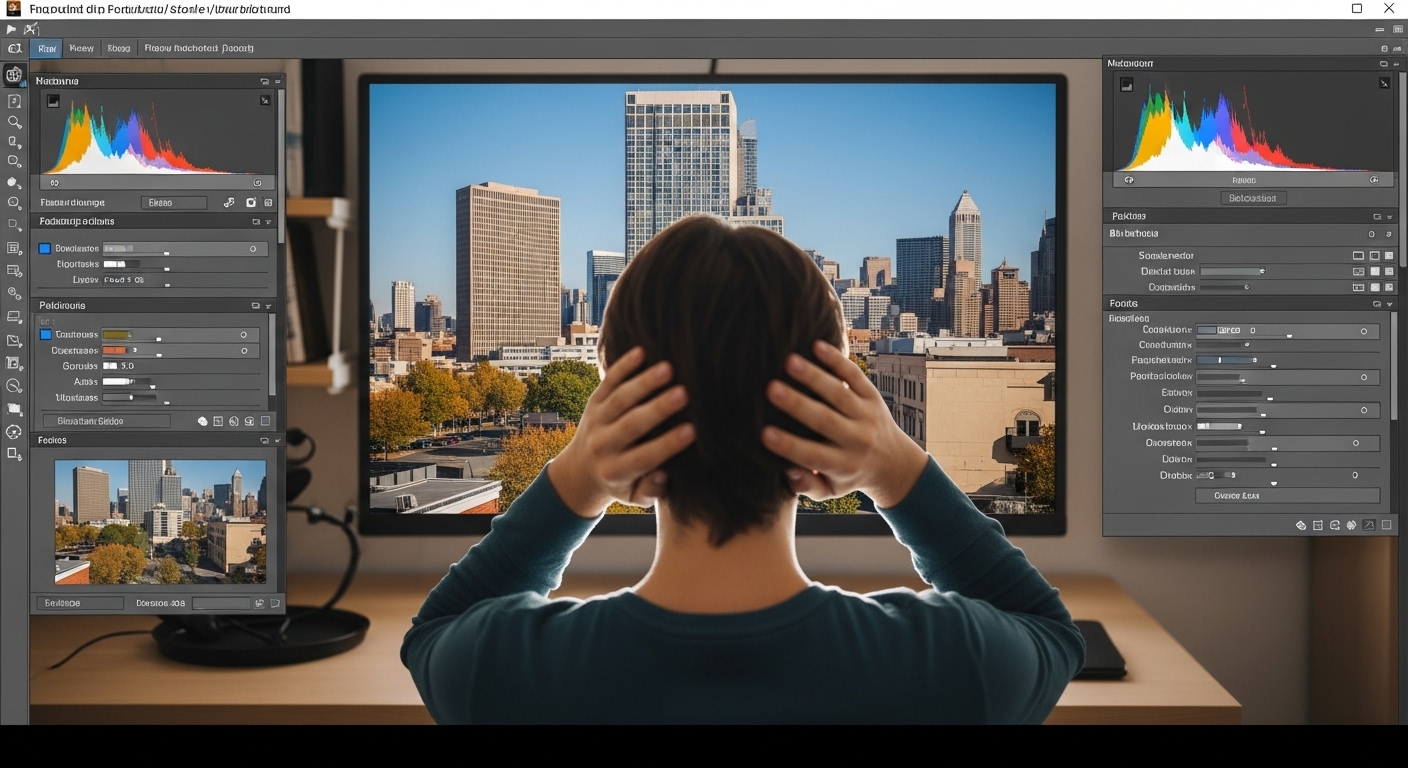
How to Remove Image Background Without Photoshop (Complete Beginner Guide)
Removing image backgrounds is no longer limited to expensive software or professional designers. Today, anyone can remove an image background without Photoshop using online tools, AI-powered software, and mobile apps. This guide explains everything step by step in a simple, beginner-friendly way.
Why You Don’t Need Photoshop Anymore
Photoshop is powerful, but it has drawbacks:
-
Steep learning curve
-
Monthly subscription cost
-
Requires installation
-
Overkill for simple background removal
Modern AI tools solve these problems instantly and accurately.
Best Ways to Remove Background Without Photoshop
Method 1 – Online AI Background Removers
Online tools automatically detect subjects and remove backgrounds in seconds.
Step-by-step guide:
-
Open an online background remover
-
Upload your image (JPG or PNG)
-
Let AI process the image
-
Preview the result
-
Download with transparent background
Advantages
-
No installation
-
Free options available
-
Beginner-friendly
-
Fast processing
Method 2 – Remove Background Using Free Desktop Software
Free alternatives like open-source editors allow manual control.
Steps:
-
Open image in the editor
-
Use selection tools
-
Remove background manually
-
Export as PNG
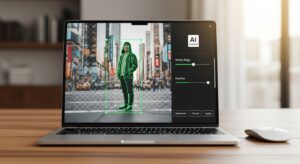
Best for: Users who want precise control without paying.
Method 3 – Mobile Apps for Background Removal

Mobile apps are ideal for quick edits.
Steps:
Install a background remover app
Upload or take a photo
Auto-remove background
Save image to gallery
Common Use Cases
Product photos
Profile pictures
Marketing graphics
Website images
Social media posts
Practical Tips for Better Results
-
-
-
- Use high-contrast images
- Avoid cluttered backgrounds
- Ensure good lighting
- Choose PNG format for transparency
-
-
Final Thoughts
Removing backgrounds without Photoshop is faster, cheaper, and more accessible than ever. With AI tools and free software, anyone can achieve professional results without technical skills.
2 thoughts on “How to Remove Image Background Without Photoshop”