
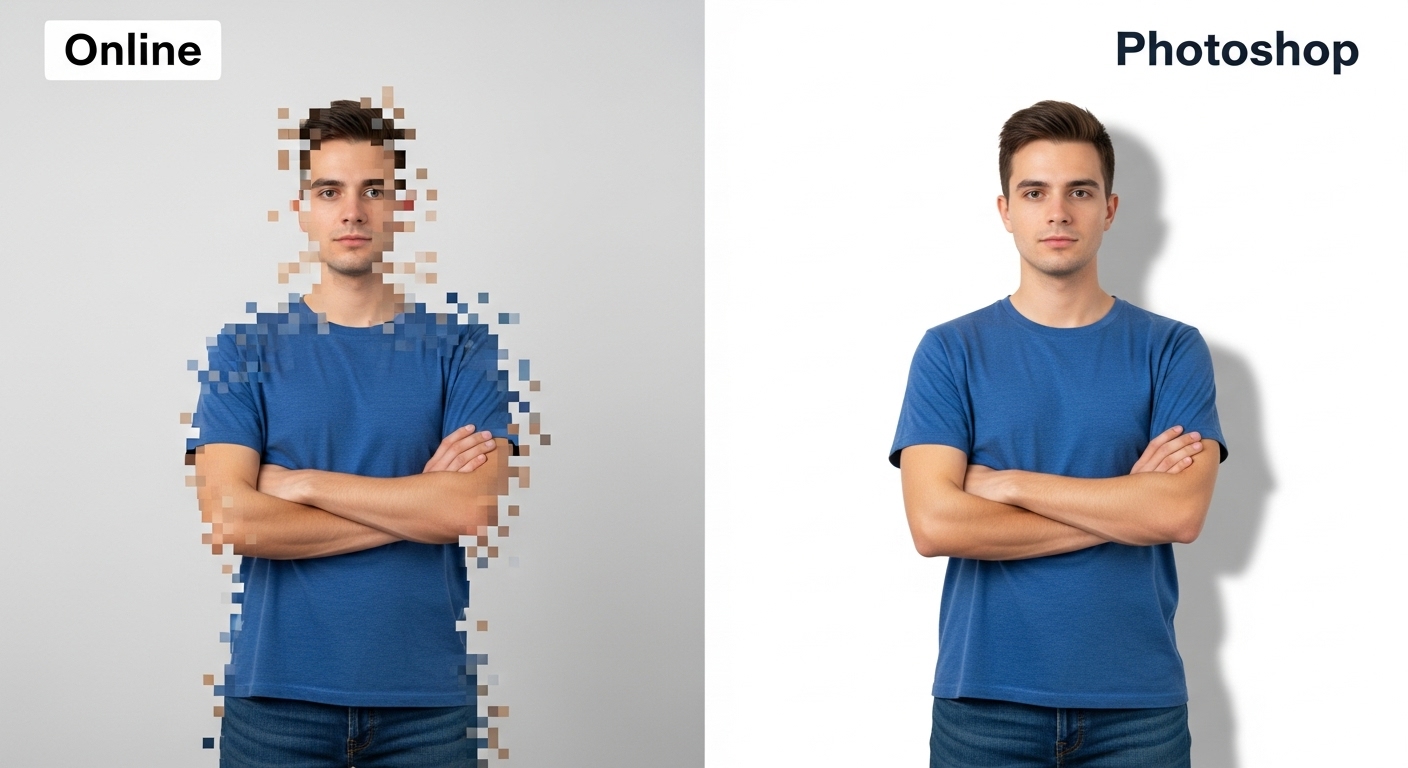
Online vs Photoshop Background Removal: Which Is Better?
Choosing between online background removal tools and Photoshop depends on your needs, skills, and budget. This comparison helps you decide the best option.
Overview of Both Methods
Online tools use AI automation, while Photoshop offers manual control. Each has its own advantages.

Online Background Removal Tools
Pros
-
No installation
-
Easy to use
-
Fast results
-
Free options available
Cons
-
Limited manual control
-
Resolution restrictions on free plans
Photoshop Background Removal
Pros
-
Maximum precision
-
Advanced editing tools
-
Professional-level control
Cons
-
Subscription cost
-
Steep learning curve
-
Time-consuming

Step-by-Step Comparison Workflow
Online Tool Workflow
-
Upload image
-
AI removes background
-
Download result
Photoshop Workflow
-
Import image
-
Create selection
-
Refine edges
-
Remove background
-
Export file
Which Option Is Best for You?
-
Beginners: Online tools
-
Small businesses: Online tools
-
Professional designers: Photoshop
Practical Tips
-
Use online tools for bulk images
-
Use Photoshop for complex edits
-
Combine both for best results
Conclusion
Online background removal tools are faster and more accessible, while Photoshop remains ideal for advanced precision work. The right choice depends on your workflow and goals.
For More: Remove Background from Images on Mobile