


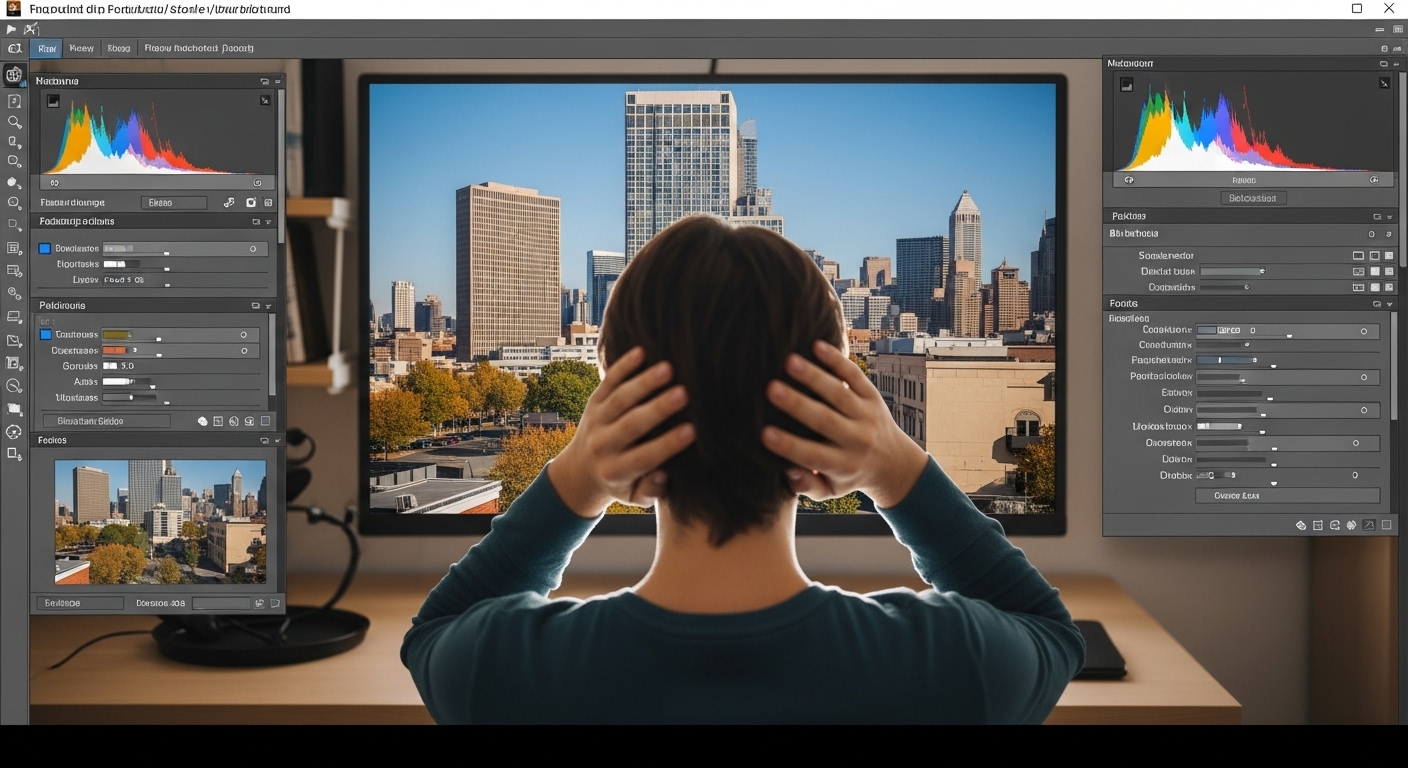
How to Remove Image Background Without Photoshop (Complete Beginner Guide)
How to Remove Image Background Without Photoshop: Removing image backgrounds is no longer limited to expensive software or professional designers. Today, anyone can remove an image background without Photoshop using online tools, AI-powered software, and mobile apps. This guide explains everything step by step in a simple, beginner-friendly way.
Why You Don’t Need Photoshop Anymore
Photoshop is powerful, but it has drawbacks:
-
Steep learning curve
-
Monthly subscription cost
-
Requires installation
-
Overkill for simple background removal
Modern AI tools solve these problems instantly and accurately.

Best Ways to Remove Background Without Photoshop
Method 1 – Online AI Background Removers
Online tools automatically detect subjects and remove backgrounds in seconds.
Step-by-step guide:
-
Open an online background remover
-
Upload your image (JPG or PNG)
-
Let AI process the image
-
Preview the result
-
Download with transparent background
Advantages
-
No installation
-
Free options available
-
Beginner-friendly
-
Fast processing
Method 2 – Remove Background Using Free Desktop Software
Free alternatives like open-source editors allow manual control.


Steps:
-
Open image in the editor
-
Use selection tools
-
Remove background manually
-
Export as PNG

Best for: Users who want precise control without paying.
Method 3 – Mobile Apps for Background Removal


Mobile apps are ideal for quick edits.
Steps:
Install a background remover app
Upload or take a photo
Auto-remove background
Save image to gallery
Common Use Cases
Product photos
Profile pictures
Marketing graphics
Website images
Social media posts
Practical Tips for Better Results
-
-
-
- Use high-contrast images
- Avoid cluttered backgrounds
- Ensure good lighting
- Choose PNG format for transparency
-
-
Final Thoughts
Removing backgrounds without Photoshop is faster, cheaper, and more accessible than ever. With AI tools and free software, anyone can achieve professional results without technical skills.
2 comments