


Transparent Background Images Explained: Uses, Benefits, and Formats
Transparent Background Images Explained: Transparent background images allow subjects to appear without a visible background, making them extremely useful for design, branding, and eCommerce. This article explains what transparent images are, how they work, and when to use them.
What Is a Transparent Background Image?
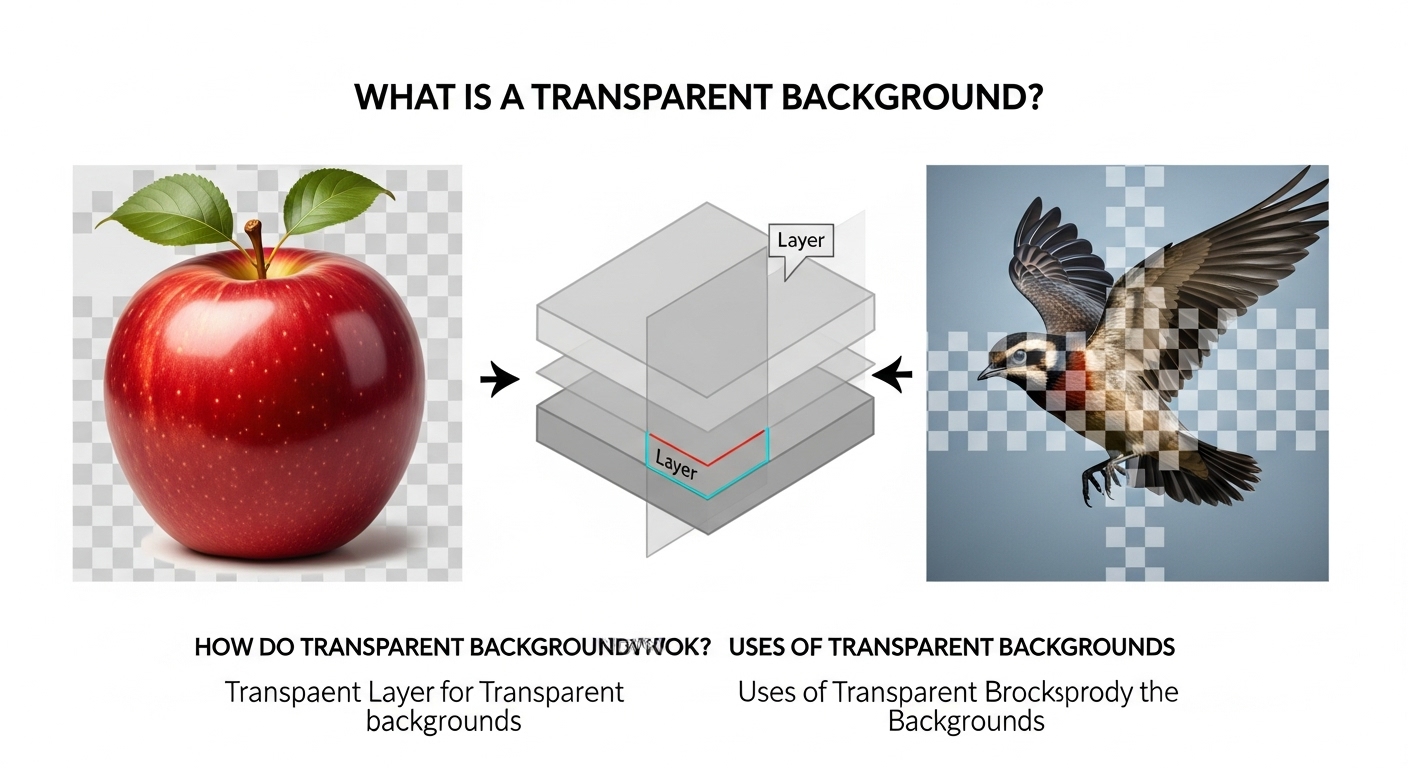
A transparent background image has no visible background layer. Instead of a solid color, the background is invisible and blends seamlessly into any design.


How Transparency Works in Images
Alpha Channel Explained
Transparency is controlled by an alpha channel that defines which parts of an image are visible or invisible.
Partial Transparency
Some images allow semi-transparent pixels for smooth edges and shadows.
Common Uses of Transparent Background Images
-
Product photos
-
Logos
-
Website graphics
-
Marketing banners
-
Social media designs


Step-by-Step: Creating a Transparent Background Image
-
Upload your image to a background remover
-
Remove the background
-
Check edge quality
-
Export as PNG or WebP
Best Image Formats for Transparency
-
PNG: Most common
-
WebP: Smaller file size
-
SVG: Vector-based graphics
Practical Tips
-
Always export in PNG for maximum compatibility
-
Avoid JPG for transparency
-
Zoom in to check edges before saving
Final Thoughts
Transparent background images provide flexibility, professionalism, and design freedom. They are essential for modern digital content creation.
For More: Remove Background from Images on Mobile